Run sheets
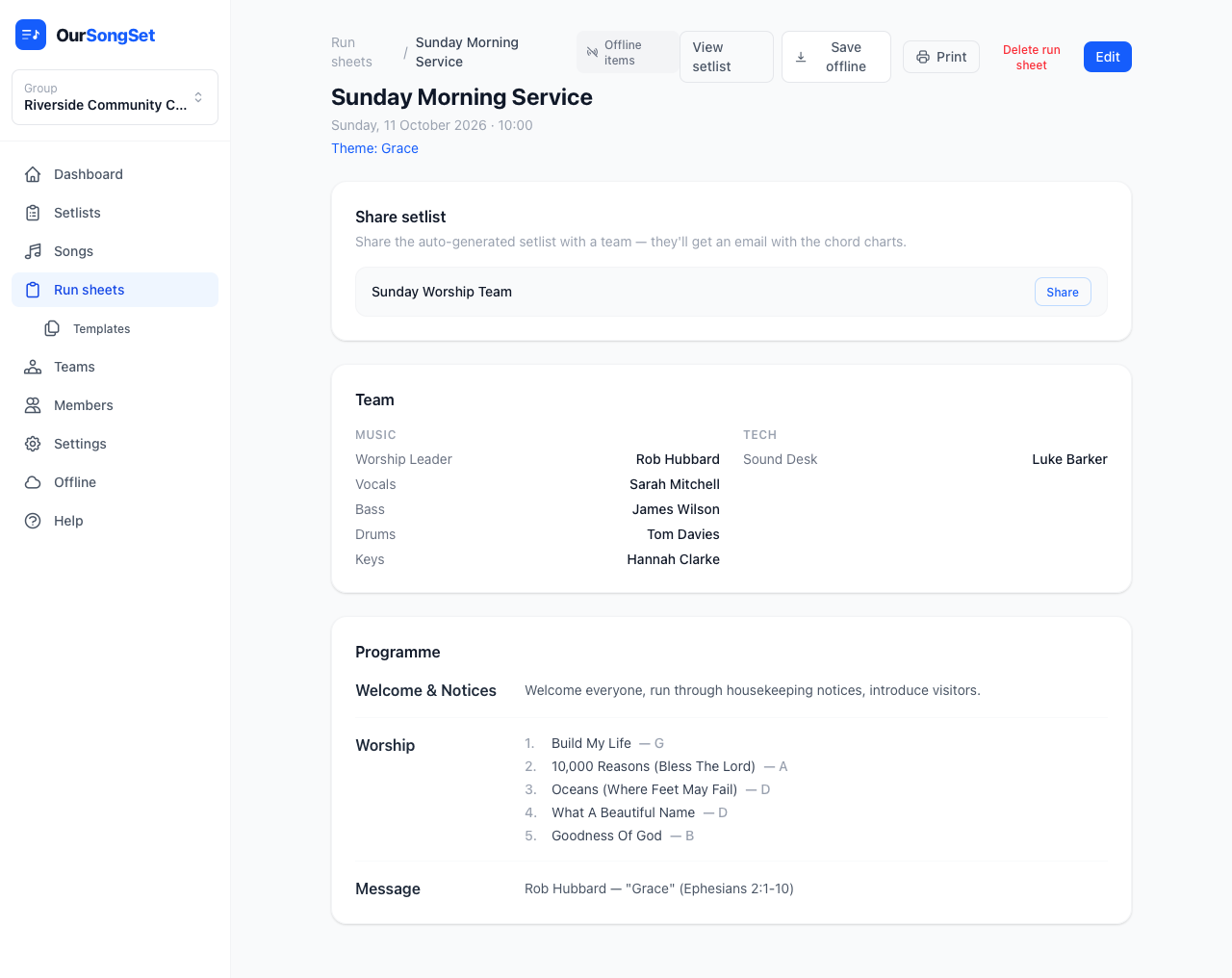
Plan the whole event, not just the songs — welcome, notices, the talk, the offering, whatever your service or show actually involves — and assign a team so every role is filled before anyone has to ask.
Sections
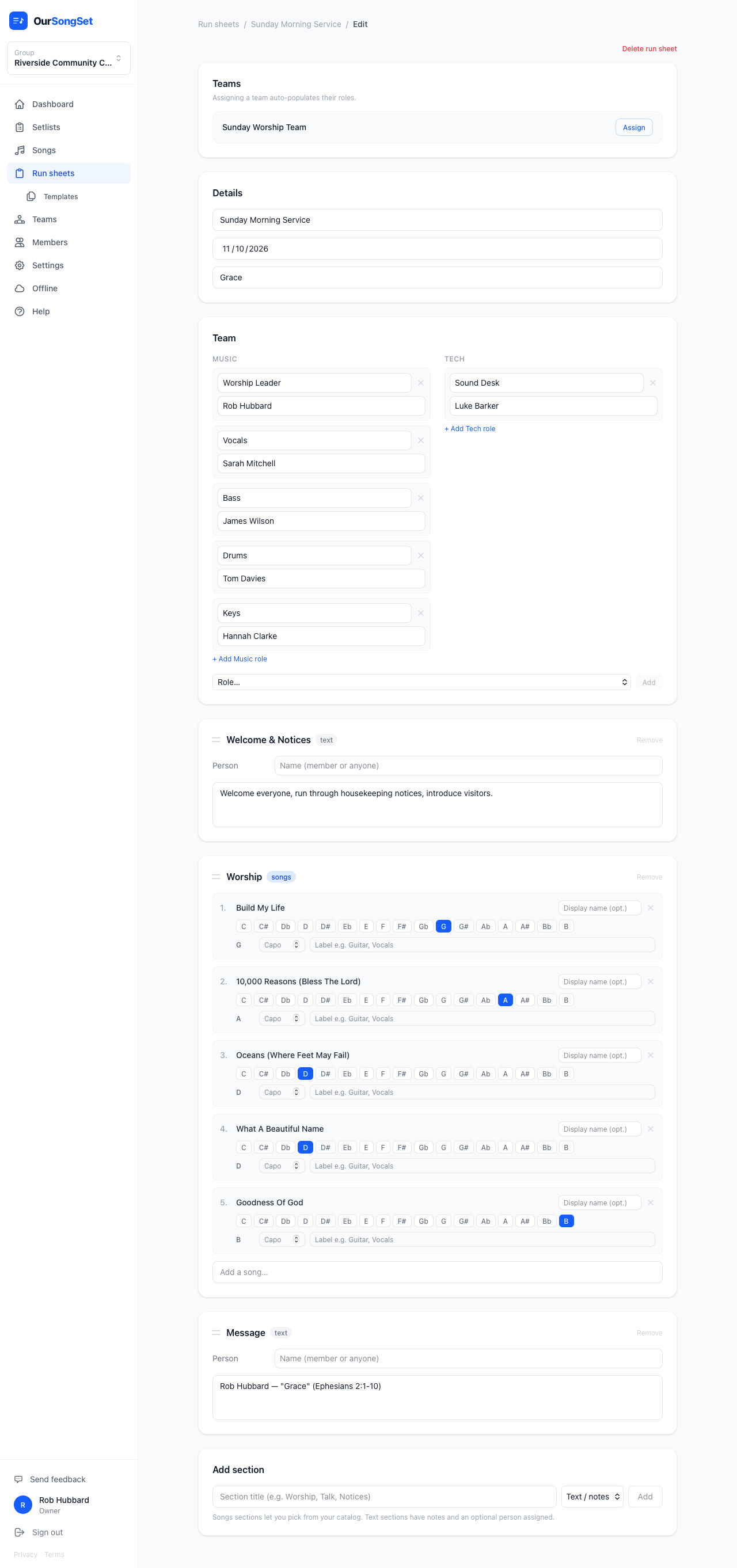
A run sheet is a list of sections, each either a songs section (pick from your catalog, choose a key per song) or a text section (notes, and optionally a person assigned to it — a speaker, an MC, whoever's running that bit).
Adding a songs section automatically creates a linked setlist behind the scenes — that's the "managed by a run sheet" setlist mentioned on the Setlists page. Add or reorder songs in the run sheet, and the setlist stays in sync.
Assigning a team
Pick a team in the Team section and every role that team has fills in automatically with the people who hold it. Swap the team out later and only that team's auto-filled roles are replaced — anything you've set manually stays put.
Templates
If your group runs a similar structure every week (Welcome → Worship → Message → Response, say), save it as a template under Run sheets → Templates. New run sheets can start from a template instead of being built from scratch each time.
Printing and sharing
A run sheet prints as a single clean page — the team list and the running order, good for handing to the tech desk. See Printing for details, and Sharing to send the auto-generated setlist (with full chord charts) to your team by email.