Printing
Clean, print-ready chord charts for anyone who wants paper instead of a screen — the whole setlist as one job, or a single song on its own.
Printing a setlist
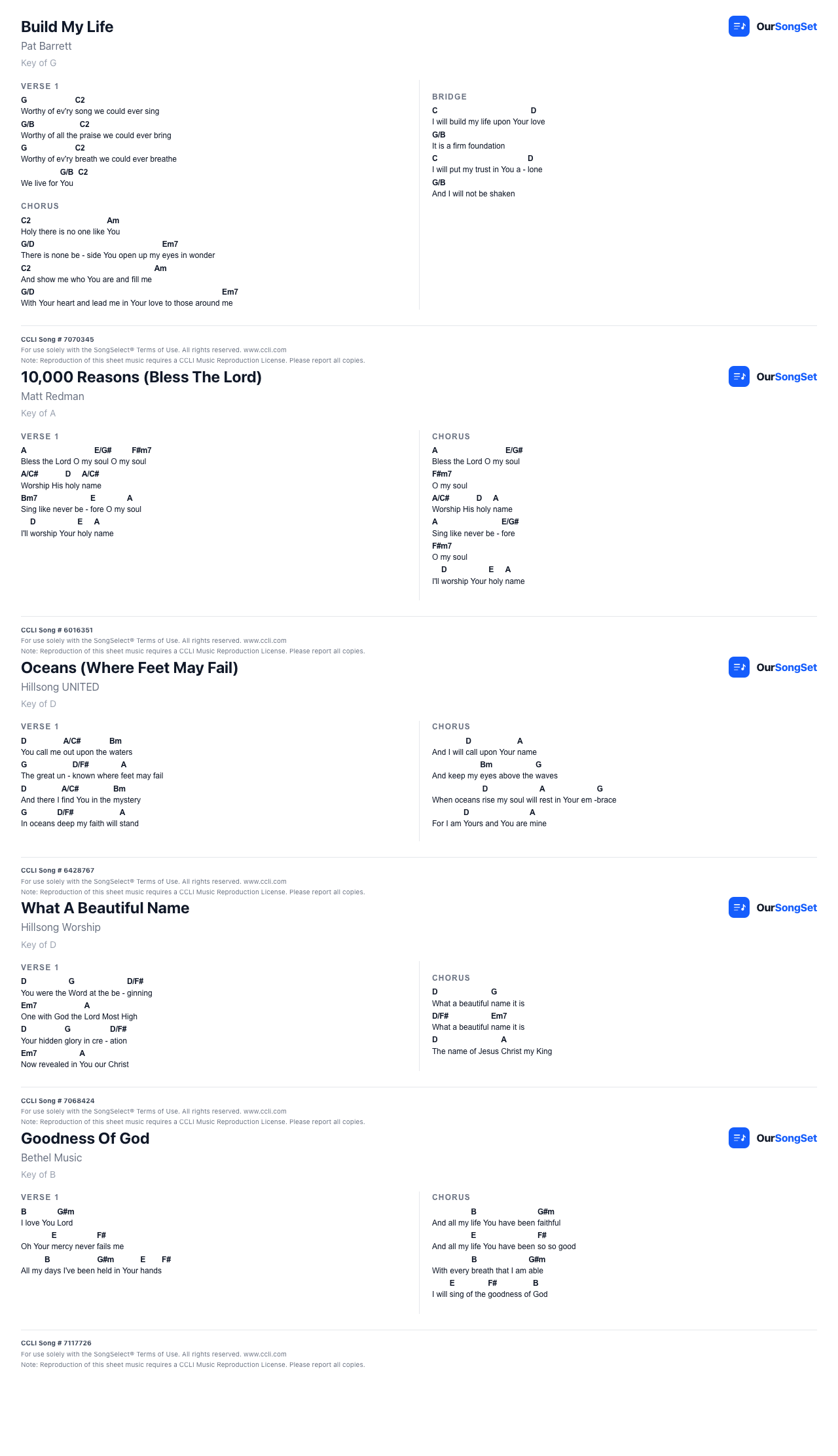
Hit Print on a setlist page and it compiles every song's chart into one print job — each song starts on its own page, in whatever key was chosen for that setlist. Choose 1 or 2 columns per page before printing.
CCLI details
If a song has a CCLI number, it's shown clearly under the title, and the standard CCLI compliance footer — the song number, the license disclaimer text, and your group's CCLI license number — is printed at the bottom of its chart automatically. Set your group's license number once in Settings and it applies everywhere.
Printing a single song
Open any song, pick a key, and hit Print. Same layout as the setlist print, just for the one chart.
Printing a run sheet
A run sheet prints as a single page — the team list and the full running order, good for the tech desk or anyone who just needs the shape of the service, not the charts.
- Need to send a printable link to someone without an account? See Sharing